 Alauddin Studio
 Coming soon
Leafcure
Your AI plant doctor
Snap a photo of a sick leaf. Leafcure names the plant, finds the disease or pest, and tells you what to do, step by step.
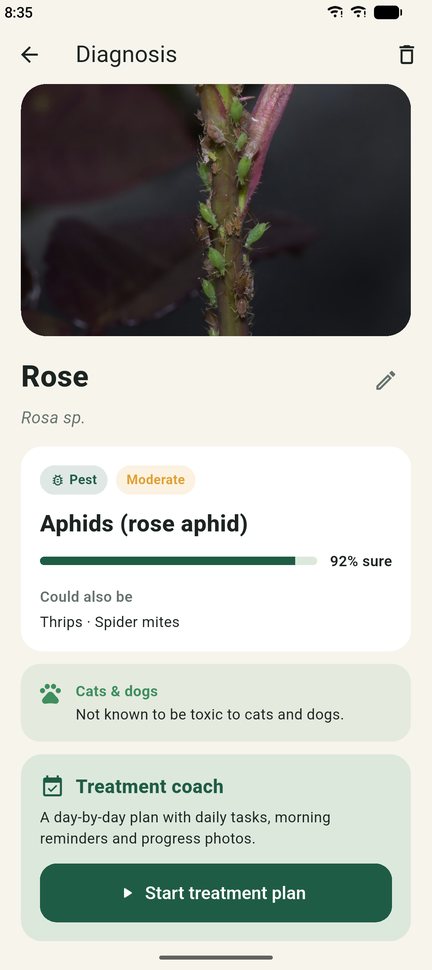
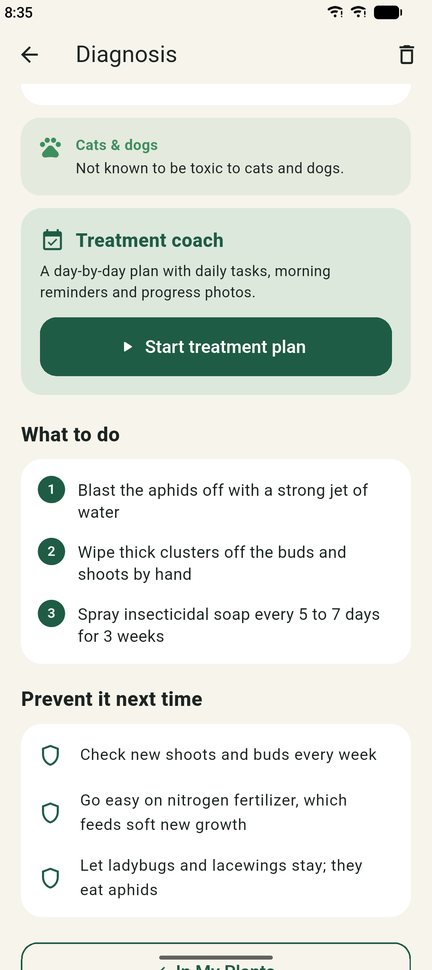
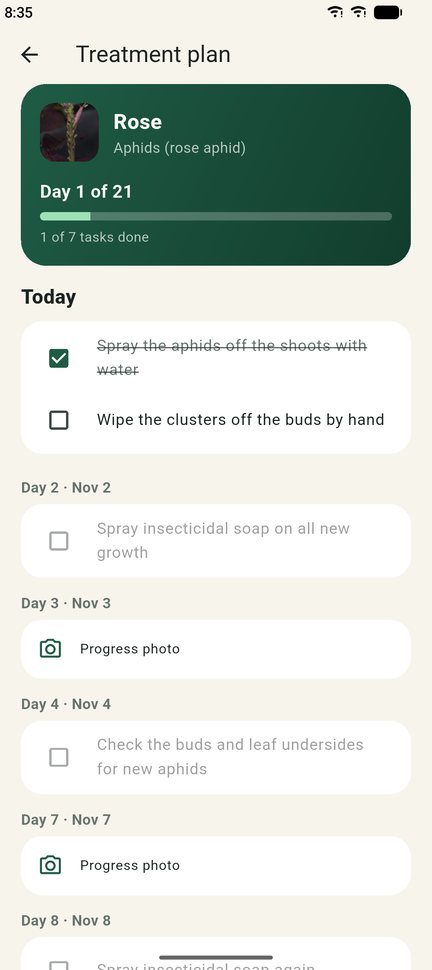
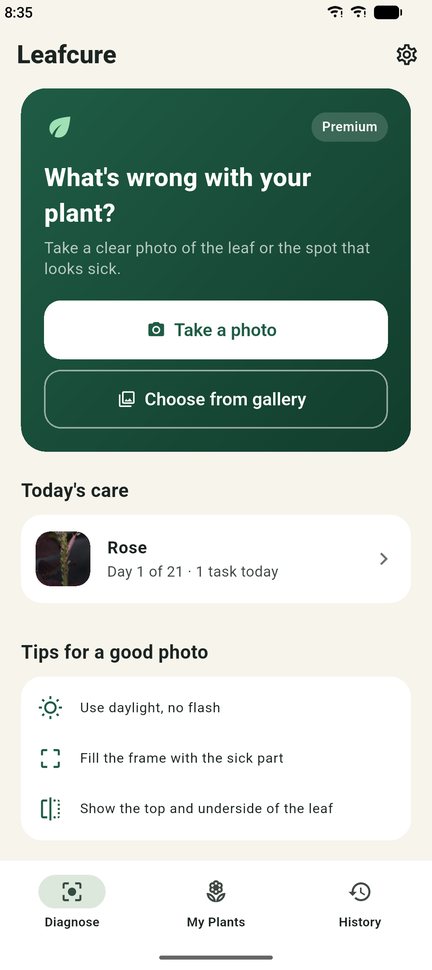
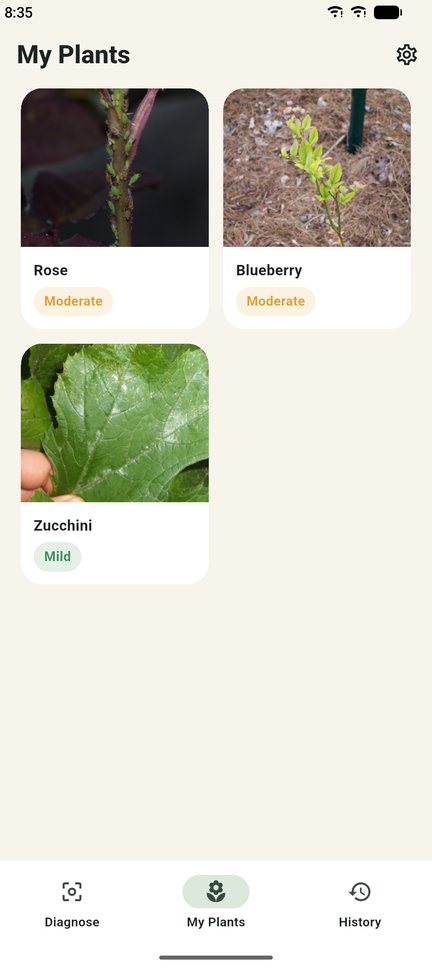
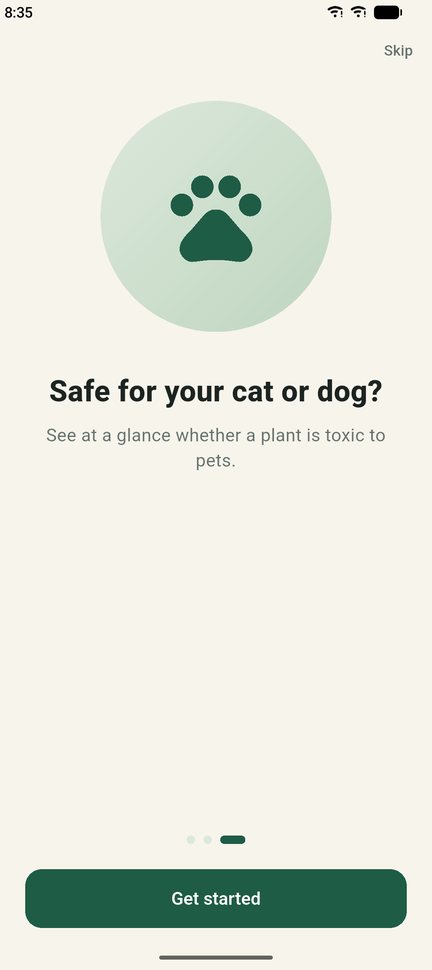
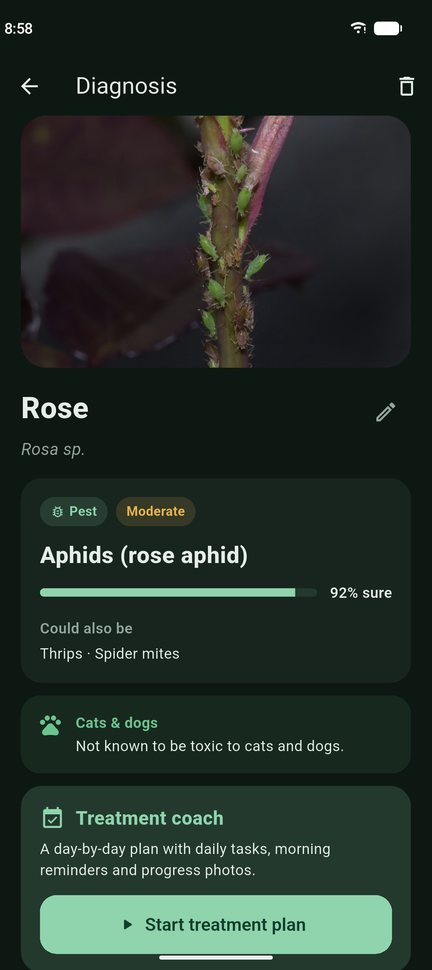
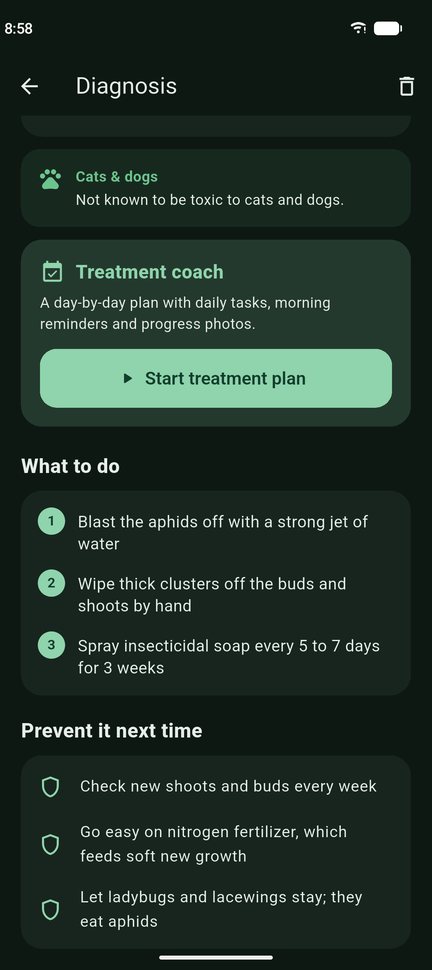
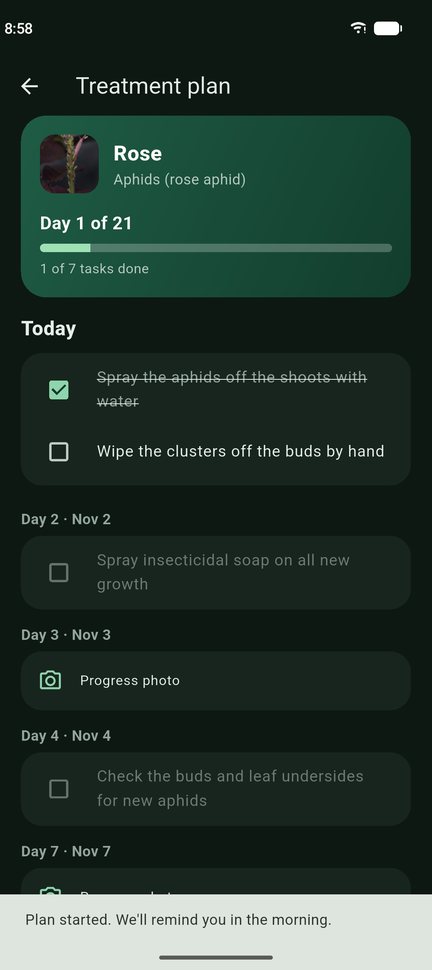
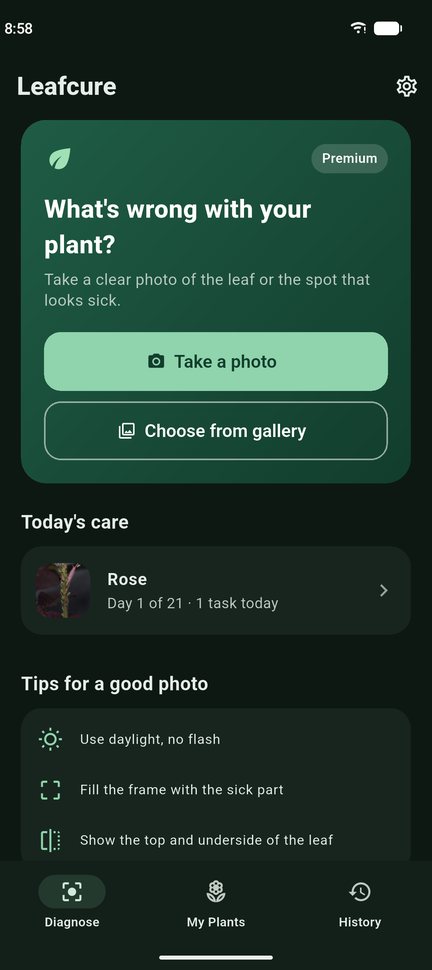
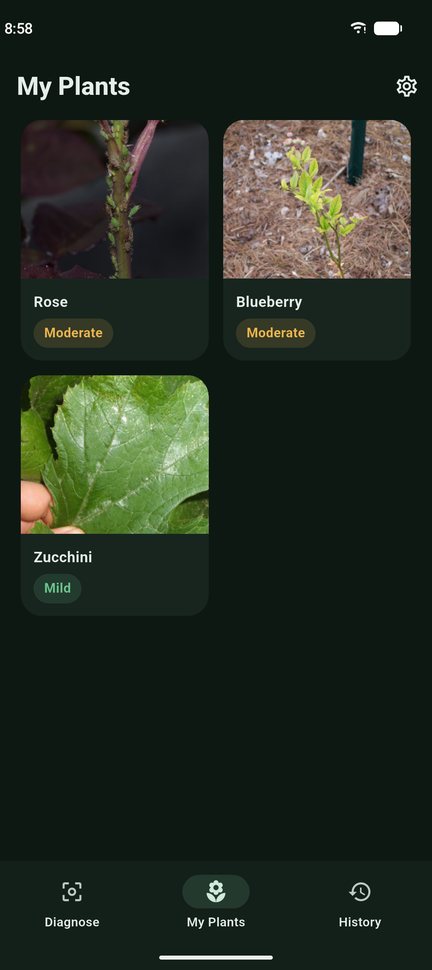
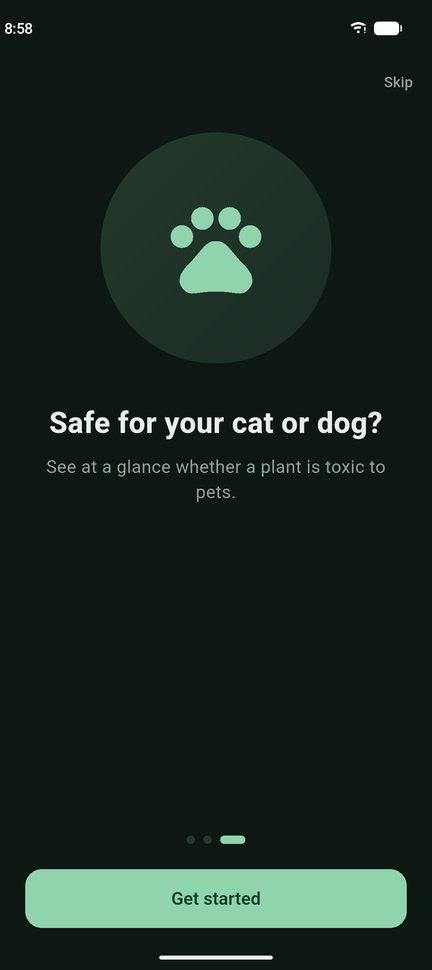
Light and dark themes. Screens show sample data.
Everything in one simple app
Three easy steps
Questions and answers
How do I get a good diagnosis?
Take the photo in daylight, close to the sick part of the leaf, and keep it sharp. If the photo is not clear enough, Leafcure tells you which photo to take next.
How many free scans do I get?
Two. Leafcure Premium unlocks unlimited scans and all features.
How do I cancel my subscription?
iPhone: Settings → your name → Subscriptions → Leafcure → Cancel Subscription.
Android: Google Play → profile icon → Payments & subscriptions → Subscriptions → Leafcure → Cancel.
Cancel at least 24 hours before the end of the period to avoid the next charge. Deleting the app does not cancel the subscription.
I bought Premium but the app still asks me to pay.
Open the paywall and tap Restore purchases, using the same Apple ID or Google account you paid with. If that does not help, email us.
How do I get a refund?
Payments are handled by Apple and Google, so refunds are too. iPhone: reportaproblem.apple.com. Android: Google Play → Payments & subscriptions → Budget & history, or the Google Play Help Center.
Is the diagnosis always right?
No. Leafcure gives AI advice and can be wrong. Always read the product label before using any treatment, and ask a local garden center when a plant is valuable or the problem is spreading fast.
What happens to my photos?
Photos are sent securely to create the diagnosis and are not stored on our server. Your history stays on your phone. See the Privacy Policy.
How do I delete my data?
Delete a scan from History, or delete the app to remove everything. We do not keep an account for you.
Contact us
Questions, bugs or ideas? We usually reply within 2 days.
Email us