 Alauddin Studio
 Coming soon
Paincast
Know before the weather hits
Paincast watches the air pressure where you live and tells you 24–48 hours before a big change, so you can plan your day.
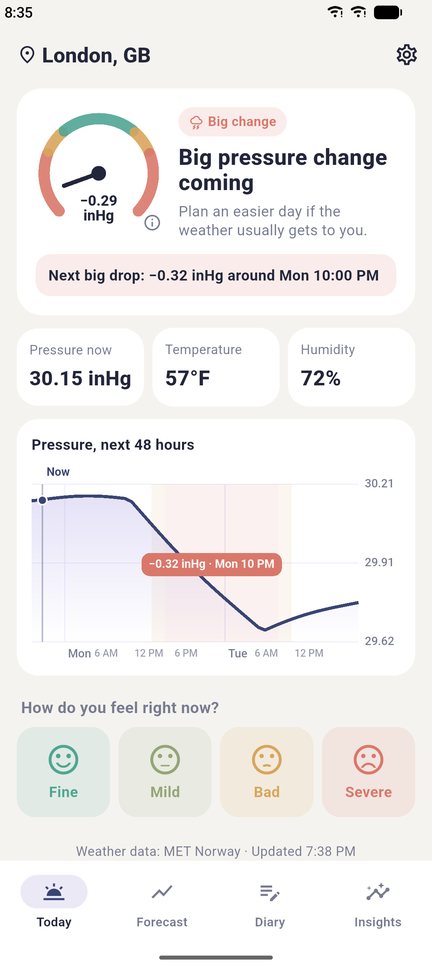
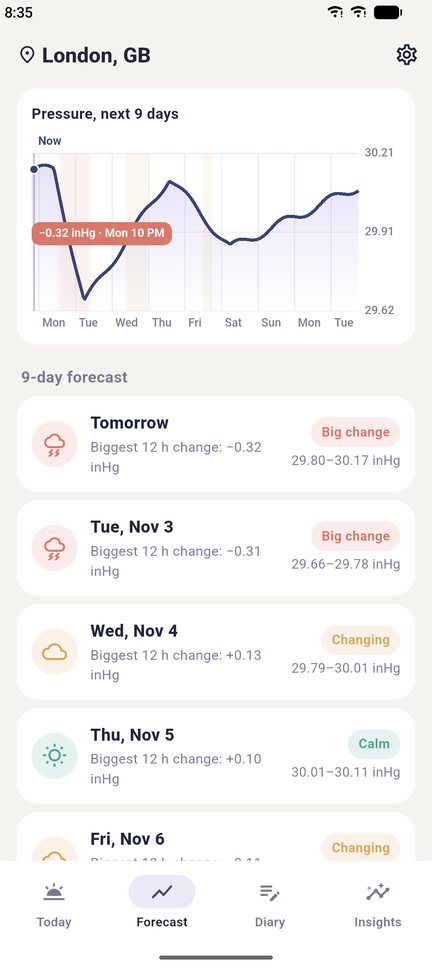
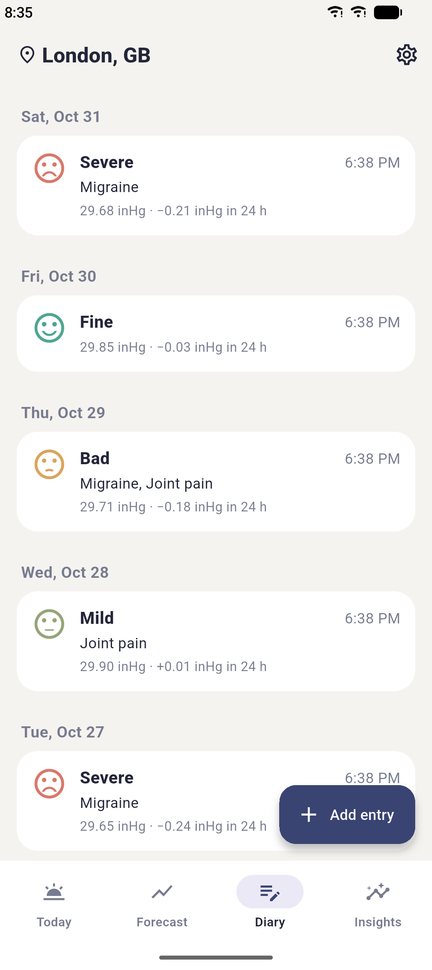
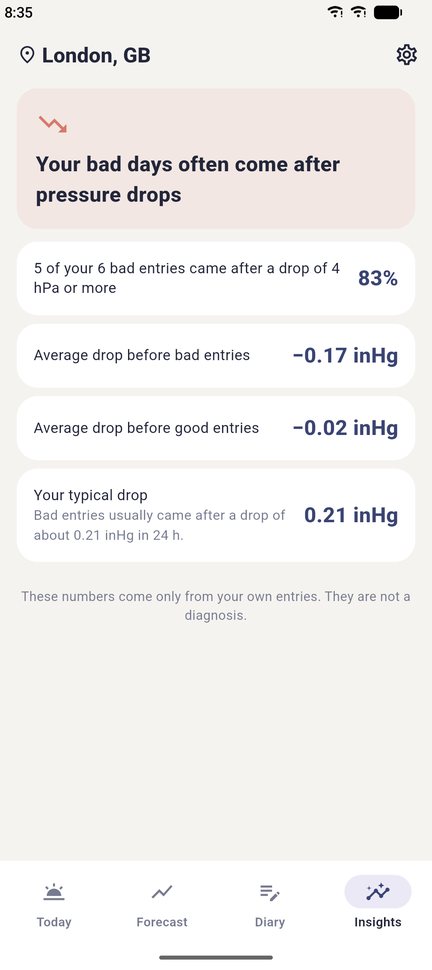
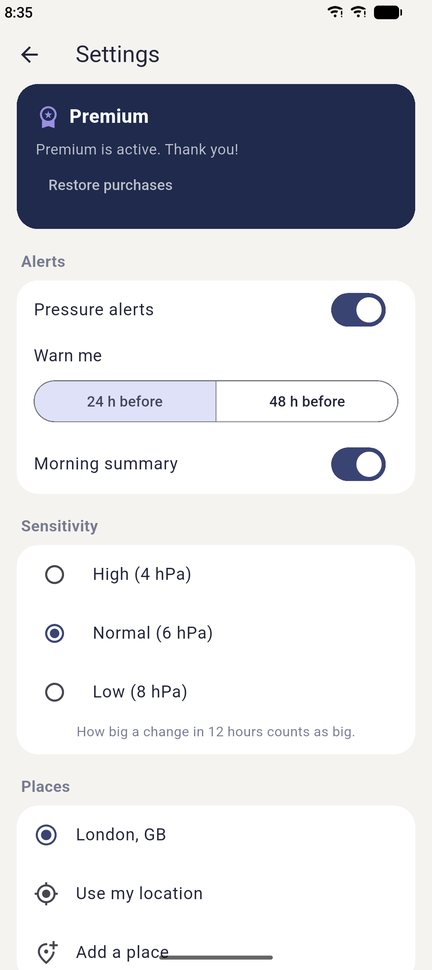
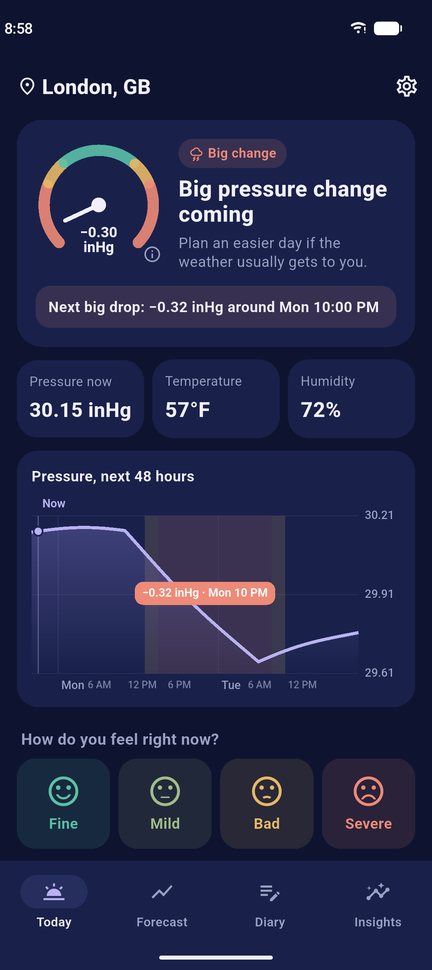
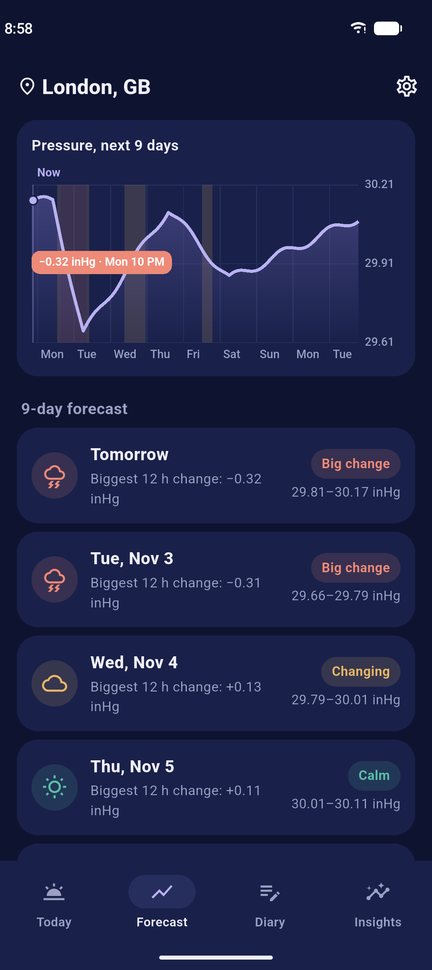
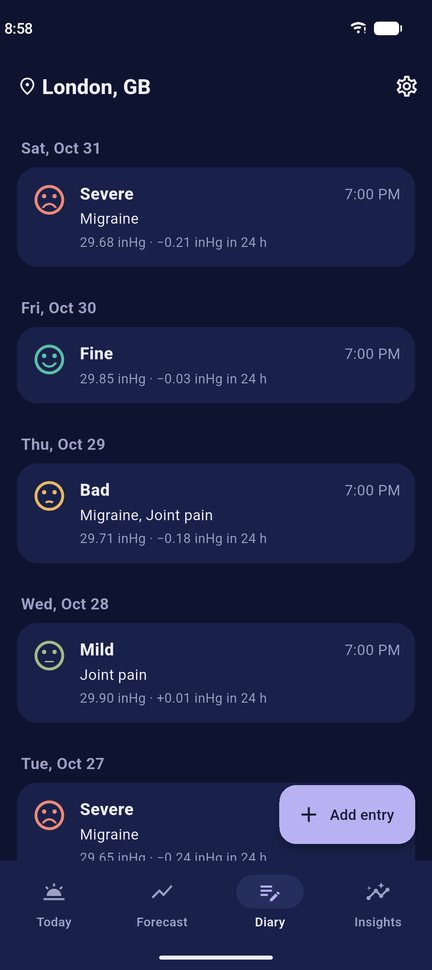
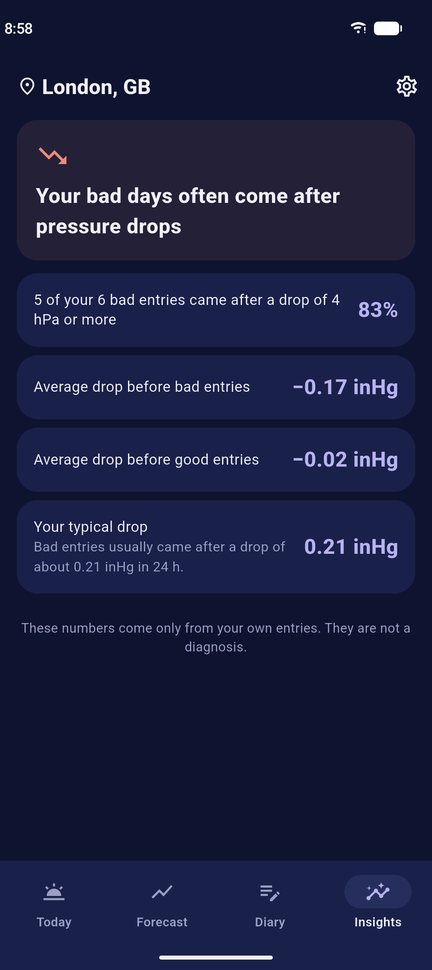
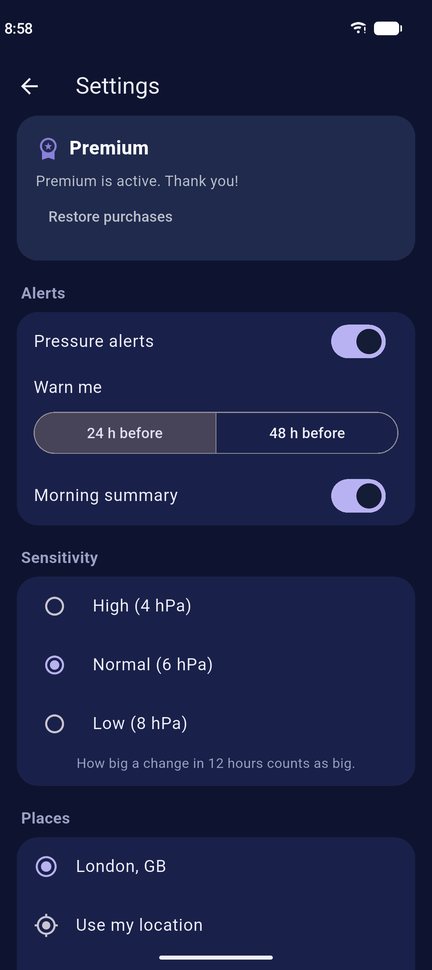
Light and dark themes. Screens show sample data.
Everything in one simple app
Three easy steps
Questions and answers
Is Paincast medical advice?
No. Paincast shows weather forecasts and compares them with your own diary. It does not diagnose, treat or prevent any condition. If your pain is new, severe or getting worse, see a doctor.
Where does the weather data come from?
From MET Norway (the Norwegian Meteorological Institute), under the CC BY 4.0 licence. It covers the whole world.
Why didn't I get an alert?
Check that notifications are allowed for Paincast in your phone's settings and that alerts are on in Paincast → Settings. Alerts are planned from the latest forecast, so open the app now and then to keep them up to date.
What is free and what is Premium?
Free: today's status, the next 48 hours, the diary and a morning summary. Premium adds the 9-day forecast, early alerts, your full pattern, several places and diary export.
How do I cancel my subscription?
iPhone: Settings → your name → Subscriptions → Paincast → Cancel Subscription.
Android: Google Play → profile icon → Payments & subscriptions → Subscriptions → Paincast → Cancel.
Cancel at least 24 hours before the end of the period to avoid the next charge. Deleting the app does not cancel the subscription.
I bought Premium but the app still asks me to pay.
Open Settings and tap Restore purchases, using the same Apple ID or Google account you paid with. If that does not help, email us.
How do I get a refund?
Payments are handled by Apple and Google, so refunds are too. iPhone: reportaproblem.apple.com. Android: Google Play → Payments & subscriptions → Budget & history, or the Google Play Help Center.
How do I delete my data?
Paincast → Settings → Delete all my data, or delete the app. Your diary is only on your phone; we have no account for you.
Contact us
Questions, bugs or ideas? We usually reply within 2 days.
Email us