 Alauddin Studio
 Coming soon
Kinring
Make time for family
Busy days fly by. Kinring shows 1 to 3 people who need your time today, and one small thing to do for each.
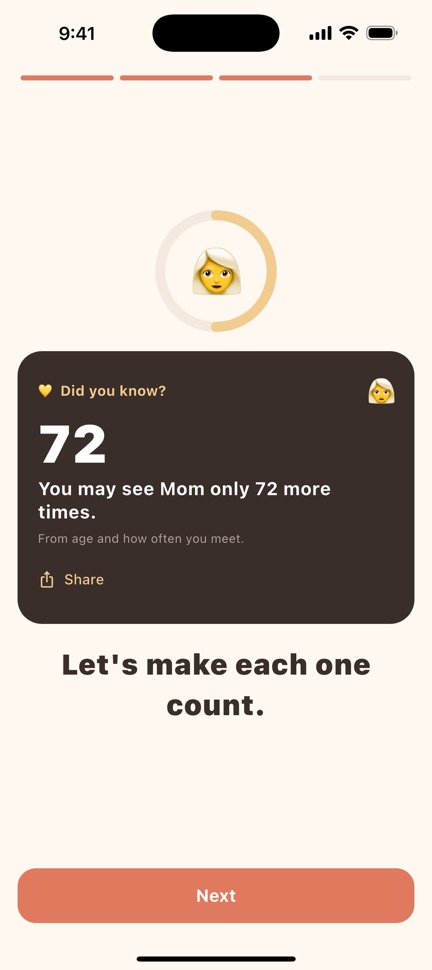
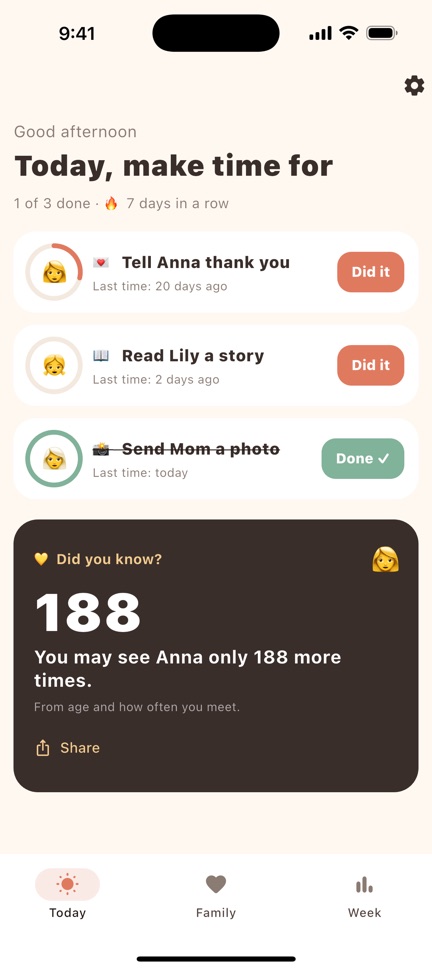
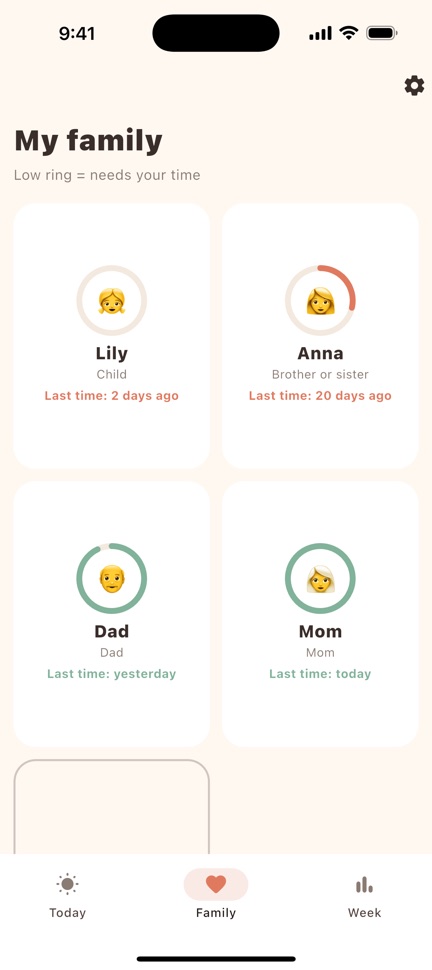
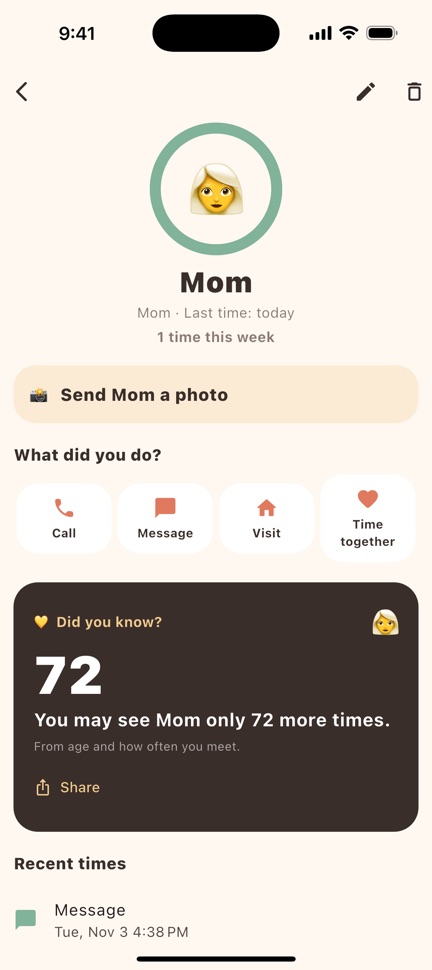
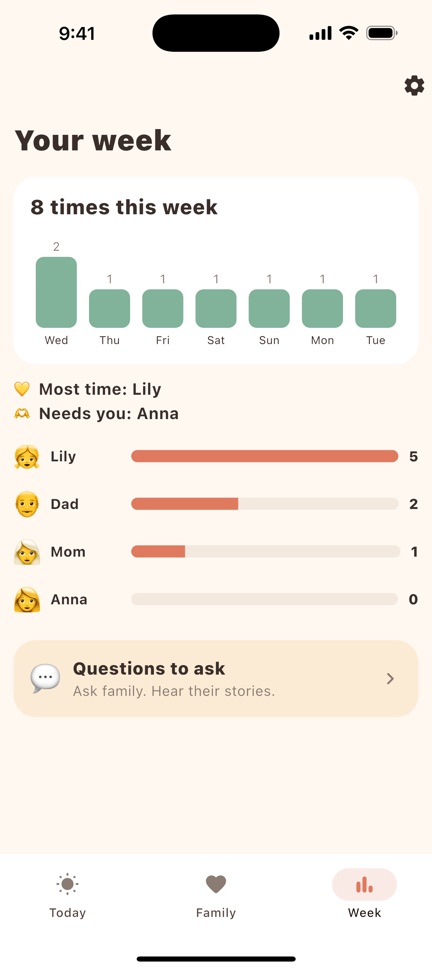
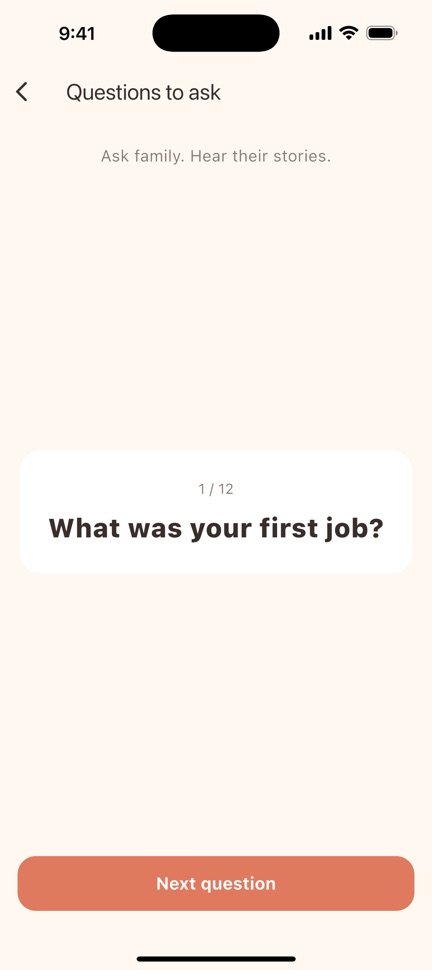
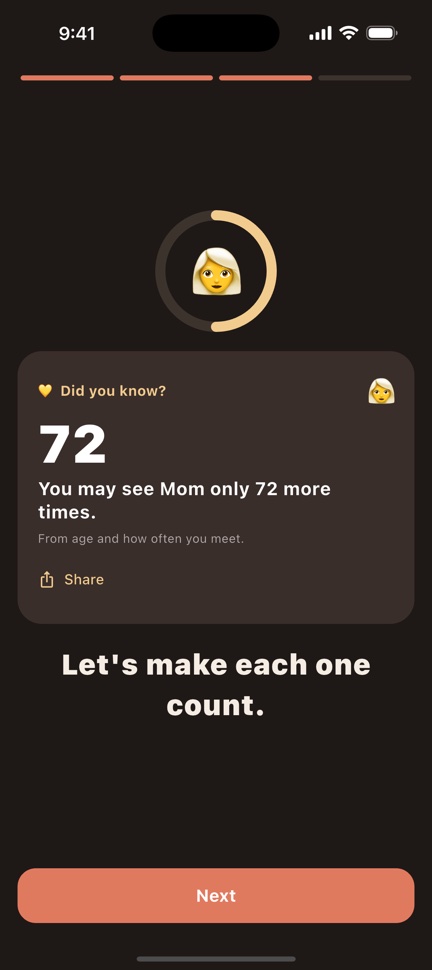
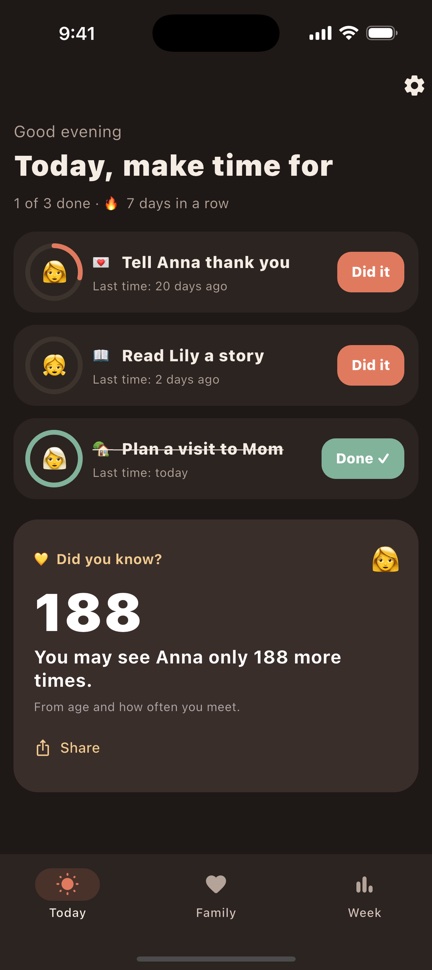
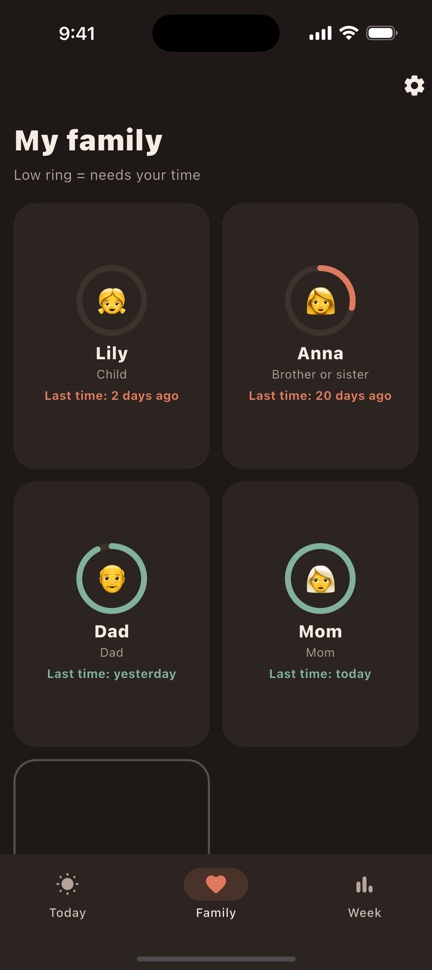
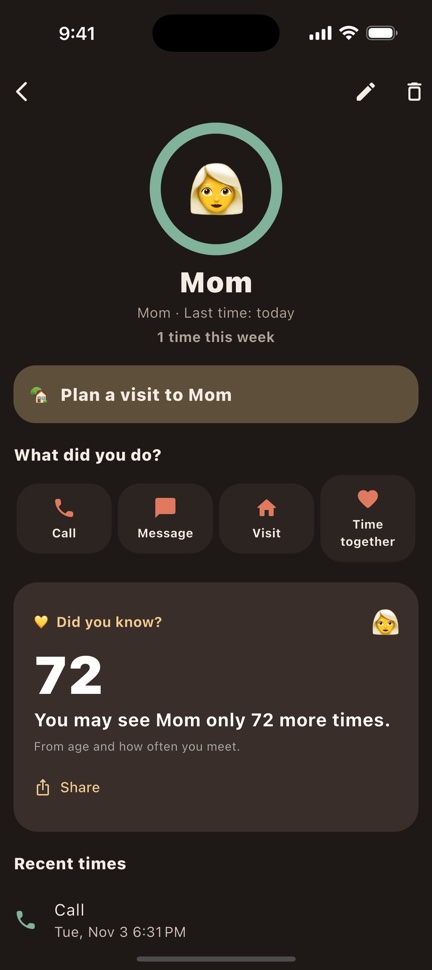
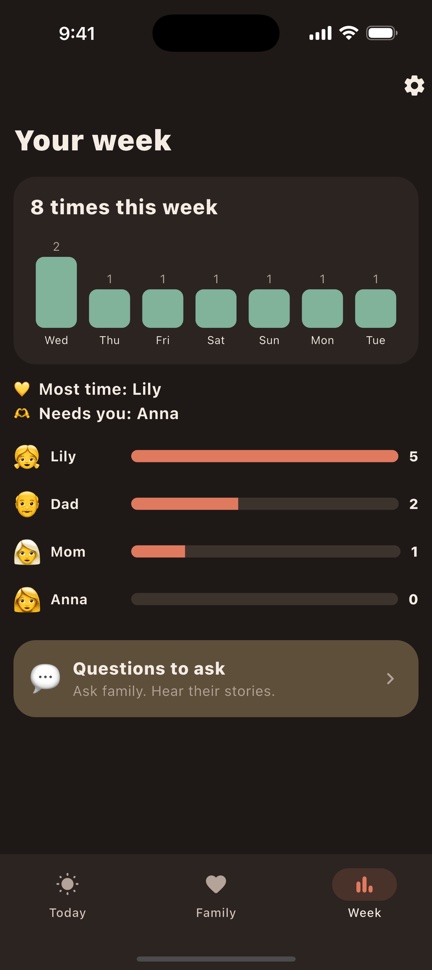
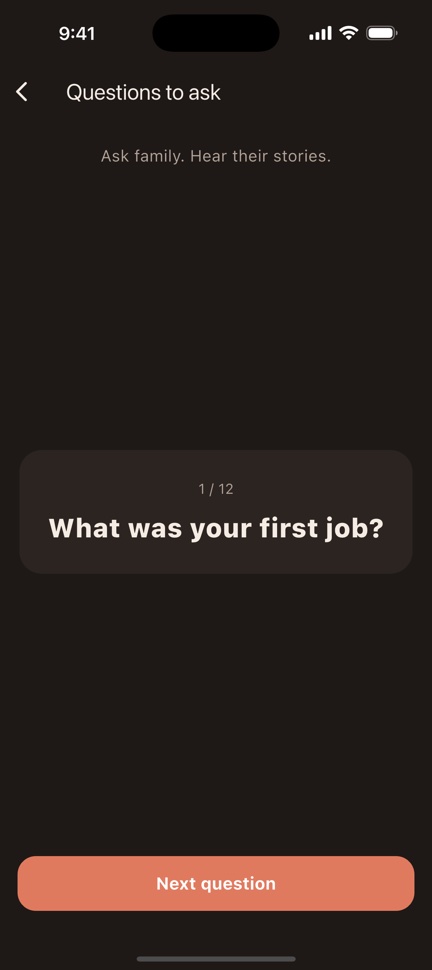
Light and dark themes. Screens show sample data.
Everything in one simple app
Three easy steps
Questions and answers
How is "72 more times" counted?
It is a simple estimate: (82 − their age) × how often you meet each year. It can be wrong, so Kinring says "may". It is there to remind you, not to scare you.
What is free and what is Premium?
Free: one person, the daily nudge, their ring and the "more times" number. Premium adds your whole family, daily ideas for each person, your week and 12 questions to ask your parents.
Why didn't I get a reminder?
Check that notifications are allowed for Kinring in your phone's settings, and that the reminder is on in Kinring → Settings.
How do I cancel my subscription?
iPhone: Settings → your name → Subscriptions → Kinring → Cancel Subscription.
Android: Google Play → profile icon → Payments & subscriptions → Subscriptions → Kinring → Cancel.
Cancel at least 24 hours before the end of the period to avoid the next charge. Deleting the app does not cancel the subscription.
I bought Premium but the app still asks me to pay.
Open Settings and tap Restore purchases, using the same Apple ID or Google account you paid with. If that does not help, email us.
How do I get a refund?
Payments are handled by Apple and Google, so refunds are too. iPhone: reportaproblem.apple.com. Android: Google Play → Payments & subscriptions → Budget & history, or the Google Play Help Center.
Does Kinring read my contacts?
No. You type the names yourself. Your family list stays on your phone; we have no account for you. See the Privacy Policy.
How do I delete my data?
Kinring → Settings → Delete all data, or delete the app.
Contact us
Questions, bugs or ideas? We usually reply within 2 days.
Email us